

I bought the XPPen Artist 24 Pro 2.5K after spending way too long convincing myself I did not need a giant drawing display.
And honestly, I was prepared to feel underwhelmed. A lot of drawing tablets online start sounding identical after a while. Every brand claims “professional quality,” every YouTube artist calls everything a game-changer, and eventually, you stop believing any of it.
But after actually using this for a while, I understood pretty quickly why people get attached to larger pen displays.
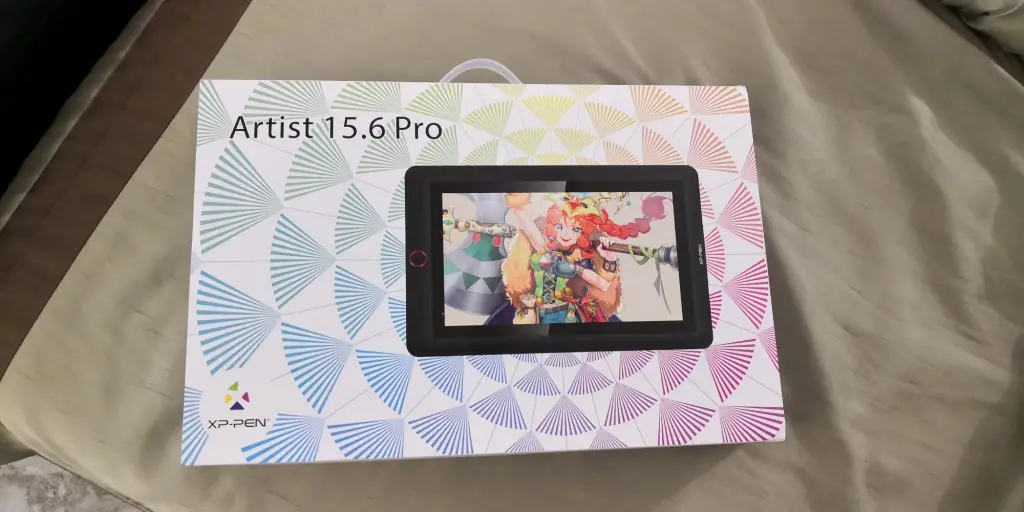
What is the XPPen Artist 24 Pro Tablet?
The XPPen Artist 24 Pro 2.5K is a large pen display tablet made for digital art, illustration, photo editing, animation, and creative work.
The main draw is obviously the size… a huge 23.8-inch laminated display with 2.5K resolution, pressure-sensitive stylus support, shortcut keys, and dual control wheels designed to make drawing directly on-screen feel more natural.
Basically, it is trying to give artists that expensive “studio setup” feeling without going fully into ultra-premium Wacom pricing.
Why I Tried It
My older tablet was starting to annoy me in ways I did not fully notice until recently. I was constantly:
- zooming in and out
- rotating the canvas
- hiding references
- moving windows around
- accidentally clicking the wrong things because everything felt cramped
And after long drawing sessions, I started realizing half my frustration was not even the art itself. It was the workspace.
So after weeks of comparing reviews, watching artists test it on YouTube, and repeatedly opening the product page “just to look,” I finally bought it.
My Experience Using It
The first thing I realised after unboxing it was… this thing is HUGE. Like genuinely desk-dominating huge.
I honestly should have measured my workspace first instead of confidently assuming:
“yeah that’ll probably fit.”
For the first day or two, my entire desk setup felt awkward because suddenly this massive screen was sitting where my tiny old tablet used to be.
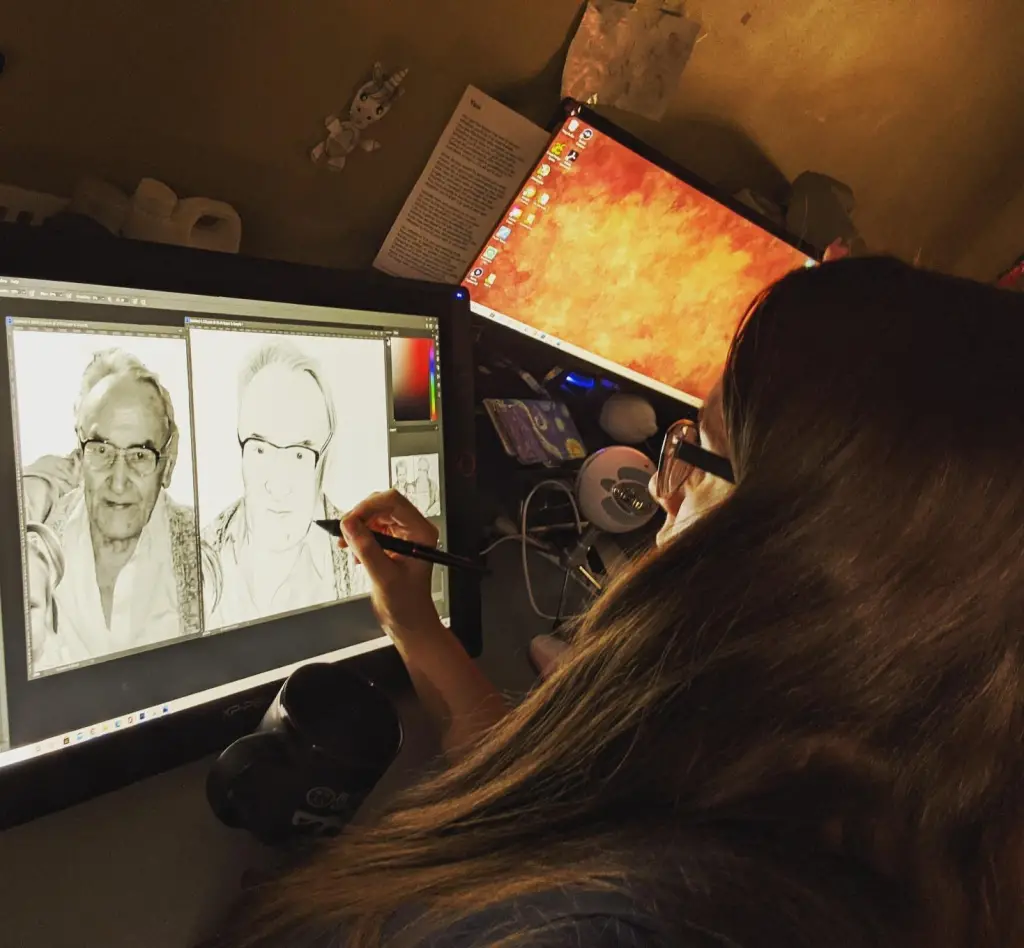
But once I adjusted to it, going back started sounding impossible in my head. The extra space changes more than I expected.
I could finally:
- keep references open comfortably
- see my full canvas properly
- stop aggressively zooming every three seconds
- and actually relax my arm movements while sketching
That was probably the biggest difference overall, as drawing started feeling less cramped and weirdly less mentally tiring. The display quality also looked much sharper in person than I expected.
Linework looked cleaner. Colours looked richer. Even tiny details felt easier on my eyes during longer sessions. And honestly, after using older HD displays for years, the jump to 2.5K felt more noticeable than I thought it would.
Now the pen experience was something I worried about before buying this.
People online can get extremely dramatic about drawing tablet brands, especially once Wacom enters the conversation. Some artists talk like anything else will spontaneously explode if you try to draw professionally on it. But the stylus honestly felt really natural to me.
Pressure sensitivity felt smooth enough that after a while I stopped thinking about the tablet itself and just focused on drawing. And I think that is probably the best sign a drawing tablet is doing its job properly.
That said, it definitely was not perfect. The drivers annoyed me a little during setup. At one point, my cursor mapping got completely confused and started drifting onto the wrong monitor like it had its own plans for the evening. I eventually fixed it, but the setup process definitely was not the magical plug-and-play experience some reviews make it sound like.
It also gets warm during long sessions. Not concerningly hot or anything dramatic, but enough that you notice it after sitting there drawing for hours.
And another thing nobody really talks about… your arm actually needs time to adjust to working on a display this large. The first week, my shoulder genuinely felt tired faster because I was moving across a much larger workspace than I was used to.
That eventually improved, though.
Overall look of the XPPen Tablet
The screen has a slightly matte texture that gives a little resistance while drawing without feeling rough or scratchy.
Honestly, I liked the balance a lot because some textured displays feel like they are slowly eating your pen nib alive. The build quality also feels solid immediately. This is not one of those lightweight gadgets you casually move around every day.
Once it is on your desk, it basically becomes part of your desk.
Product Claims vs. Reality
Large immersive workspace? Definitely yes.
Sharp display quality? Honestly one of the best parts of it.
Professional drawing experience? For the price, I honestly think so.
Easy plug-and-play setup? Not really. Expect at least a little setup fiddling.
Pros & Cons
Pros
- Huge comfortable workspace
- Sharp detailed display
- Pen feels smooth and responsive
- Great value compared to premium competitors
- Solid overall build quality
Cons
- Takes up a LOT of desk space
- Setup can be annoying initially
- Drivers still need improvement
- Heavy and not portable
- Long sessions take physical adjustment at first
Is It a Scam?
No, not at all. If anything, I think XPPen mainly suffers from people automatically assuming cheaper than Wacom = low quality.
And after actually using this, I do not think that mindset is fully fair anymore. Now obviously, there are still artists who prefer Wacom’s ecosystem, drivers, or long-term reliability. I completely understand that.
But this tablet genuinely feels far more capable and polished than I expected going in.
The biggest complaints I kept seeing online were mostly about:
- drivers
- occasional connection issues
- and long-term durability concerns
Not the actual drawing experience itself. And honestly, after using it myself, that feels pretty accurate.
Customer Feedback
Most of the customer reviews I read before buying leaned pretty positive overall.
People constantly praised:
- the massive screen size
- sharp resolution
- color quality
- and how much value it gives compared to more expensive competitors
The biggest complaints seemed to revolve around:
- software quirks
- setup frustrations
- desk space
- and occasional driver issues
Which honestly matched my experience pretty closely.
How to Use
Honestly, the biggest thing is setting your workspace up properly before you start using it daily.
Do not underestimate:
- desk depth
- monitor angle
- arm positioning
- or posture
because a display this large changes how you physically work during longer sessions.
Also, spend time customising the shortcut buttons early. Once muscle memory kicks in, they become way more useful than they initially seem.
Alternatives to Consider
- Wacom Cintiq 22
- Huion Kamvas Pro 24
- Xencelabs Pen Display 24
Conclusion — Would I Recommend It?
Honestly… yes. Especially for artists who are tired of feeling cramped on smaller tablets.
It definitely has a few annoyances. The drivers can still be weird sometimes. And it is absolutely not the kind of thing you casually tuck away after use.
But once I got used to drawing on this much screen space, my older setup immediately started feeling restrictive.
And I honestly did not expect that shift to happen so quickly.
Also read my review on the Homedics SereneScent Diffuser