

I bought the AOC 4K Webcam because I wanted crystal-clear video quality for Zoom calls, remote meetings, and the occasional stream, and to be honest, I hate to sound like a promo site, but this webcam actually made me wish I’d upgraded sooner.
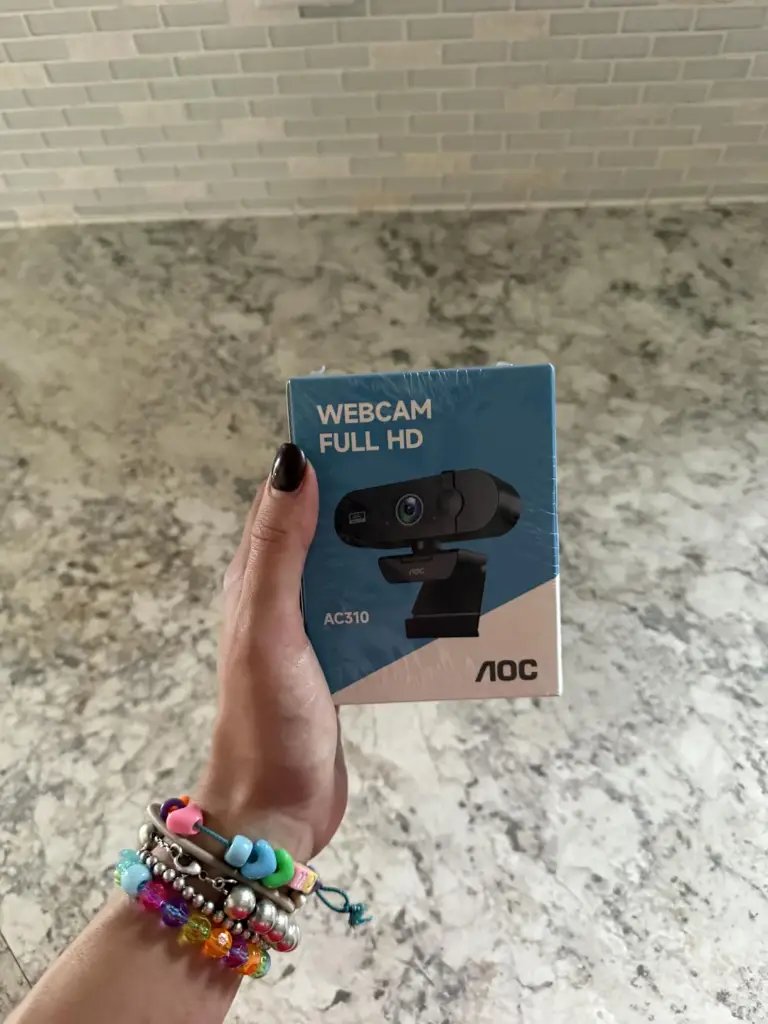
What Is the AOC 4K Webcam?
The AOC 4K Webcam is a plug-and-play USB camera that captures video at true 4K resolution. It’s designed for high-quality video conferencing, content creation, streaming, and any situation where a sharper picture and better detail matter compared with your laptop’s built-in camera.
Why I Tried It
My laptop’s built-in camera is… fine for casual chats, but everything always looked soft, grainy, and washed out, especially in low light. I wanted something that would make me look clearer, more professional, and more detailed without a complicated setup. The AOC 4K’s specs (true 4K, good low-light performance, built-in mic) made it seem like a real upgrade rather than a gimmick.
My Experience Using It
Setting up the AOC 4K webcam was refreshingly simple… plug it into a USB-A or USB-C port (with an adapter if needed), let the drivers install, and it’s ready. No awkward software installs or hidden steps. The difference was noticeable right away. The image looks sharp, vibrant, and way cleaner than what I was used to. Even in less-than-perfect lighting, colours stayed accurate, and skin tones didn’t wash out… something I did not expect from a webcam at this price point.
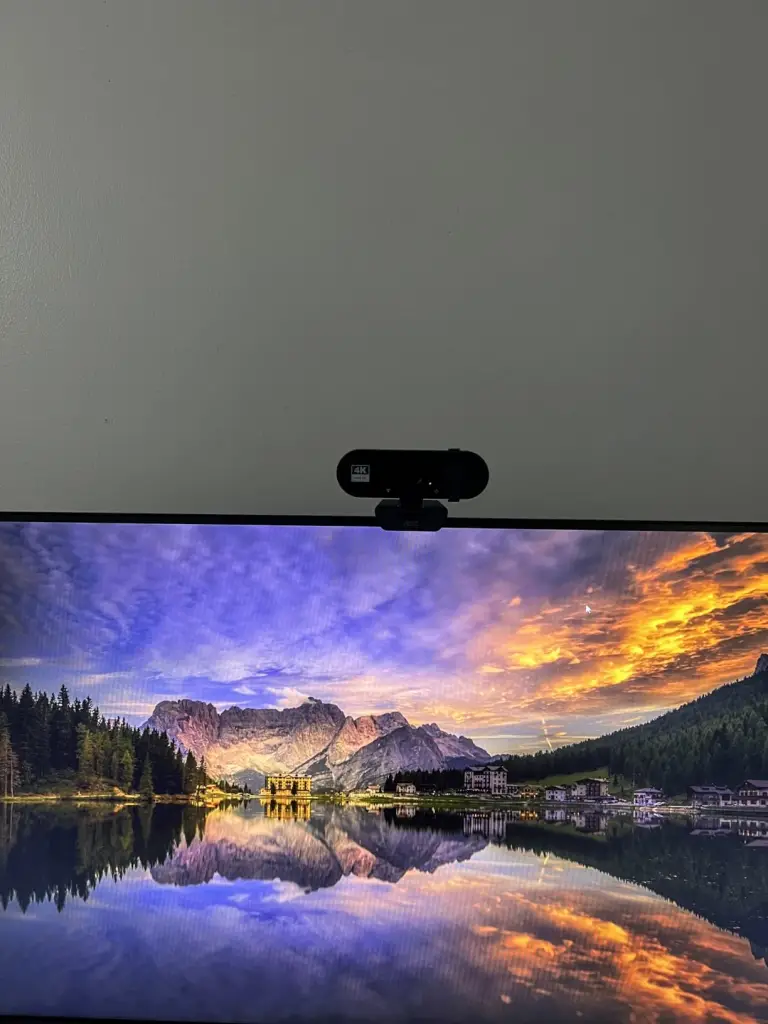
For everyday calls, the clarity was genuinely impressive. Colleagues commented they could see details I never knew my old camera missed… not pixel-level stuff, but things like clearer edges, crisper transitions between light and shadow, and fewer artefacts in movement. Streaming or recording video content felt smoother too; the 4K detail gives a cleaner canvas even if the platform downscales to 1080p.
Where it isn’t perfect is in low light that’s extremely dim. It’s better than your typical built-in camera, but you can still see noise creep in if there’s almost no light in the room. Colour accuracy is great most of the time, but in certain artificial lighting it can feel a tiny warm or cool shift… not bad, just something I noticed. The built-in microphone is solid for voice, but if you want professional podcast quality, you’ll still want a dedicated USB/XLR mic.
Overall, though, this webcam feels like a great improvement over default laptop cameras and many mid-tier external webcams. It makes online communication look intentionally crisp instead of “just enough.”
Pros & Cons
Pros
- Crisp, detailed 4K image
- Easy plug-and-play setup
- Good color and clarity for meetings and streaming
- Improves everyday video calls instantly
- Solid low-light handling for a webcam
Cons
- Still a bit noisy in very dim lighting
- Built-in mic is fine but not studio quality
- Slight color warmth shifts in some rooms
Who This Is For
- Remote workers who want clearer, more professional video quality
- Streamers or creators who want crisp capture without breaking the bank
- Anyone frustrated by blurry built-in laptop cameras
Who Should Skip It
- People who don’t care about video quality
- Users with extremely dark lighting without supplemental lights
- Anyone who requires professional audio integration (mic upgrade required)
Alternatives to Consider
- Logitech Brio 4K
- Razer Kiyo Pro
- Elgato Facecam
- Microsoft Modern Webcam
These aren’t cheap, but they each have real strengths depending on whether you prioritise low-light performance, colour, or pro features.
Conclusion — Would I Recommend It?
Yes, wholeheartedly. The AOC 4K Webcam transformed my everyday video calls from “somewhat visible” to “actually clear and intentional.” It’s easy to set up, consistently reliable, and the image quality genuinely feels like a step up, to the point where I use it for calls I used to just ignore video on. It’s not perfect in pitch-black light, and the mic isn’t a pro audio device, but for what it’s designed to do… sharp, natural, trustworthy video, it delivers.
If you want a real visual upgrade without struggling with setup or sound like a robot, this one’s hard to beat.
Also read – Isla & James Shopify Store Review: Legit or Scam? Find Out Here!