

I picked up the WolfBox X3 Dashcam because I wanted the added security of having real proof if anything ever happened on the road. I didn’t want anything bulky or complicated… just something small, clear, and reliable that I could forget about until I actually needed it. With all the features advertised (4K recording, night vision, G-sensor, parking mode), it seemed like an affordable way to get peace of mind without spending over $200.
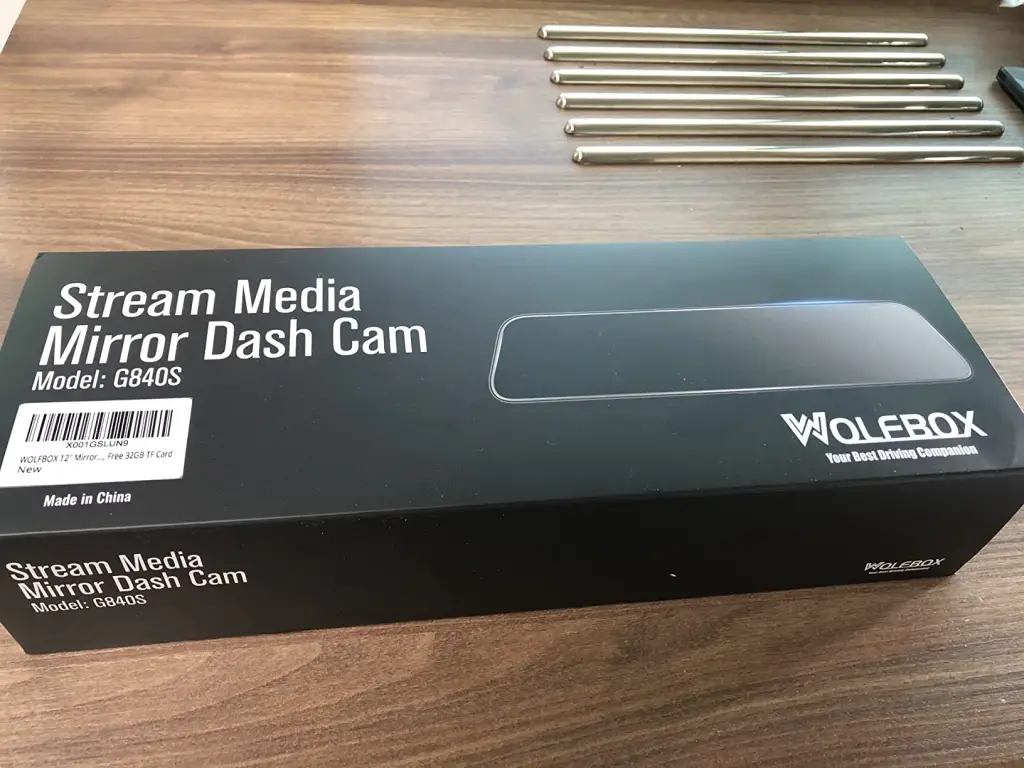
What Is the WolfBox X3 Dashcam?
The WolfBox X3 Dashcam is a compact dashboard camera designed to continuously record your driving in high resolution. It promises 4K video, enhanced night clarity, motion detection, loop recording, and emergency lock features that protect footage if a sudden impact is detected. It attaches to your windshield and automatically powers on/off with the car, so ideally it becomes a hands-off safety tool.
Why I Tried It
I wanted something that recorded clearly enough to read license plates, especially at night. I also wanted a camera that didn’t feel like a chore to set up or maintain. The WolfBox X3 Dashcam was priced well, it looked sleek, and the “4K clarity” promise sold me pretty quickly.
My Experience Using It
I’ll say this: when the WolfBox X3 Dashcam works, it works surprisingly well. Daytime footage looked crisp, the colours were clean, and I could easily make out details like signs, plates, and road markings. The compact size also meant it didn’t block my view or make my windshield look cluttered.
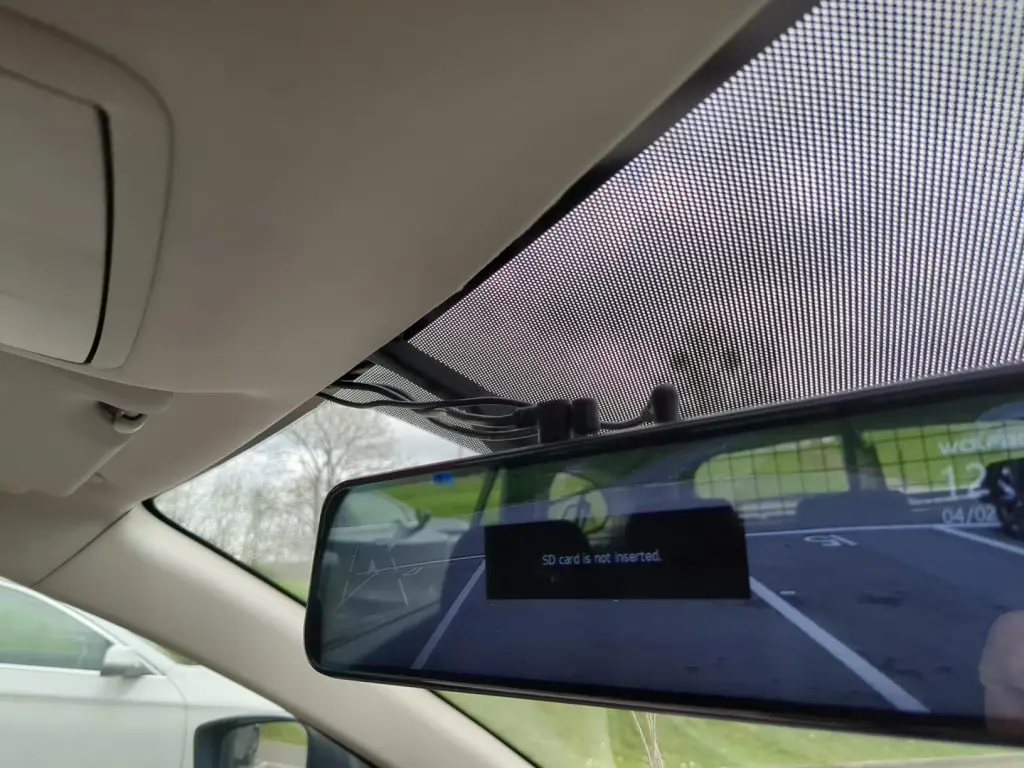
The setup, however, wasn’t as smooth as the product page makes it seem. The menu system is a bit clunky, and getting the settings just right took some trial and error. The suction mount held up, but I found myself checking it often just to be sure it didn’t loosen over time.
Nighttime recording was decent… better than some dashcams in this price range, but it wasn’t flawless. Light glare and headlights sometimes washed out details, and the clarity dipped compared to daytime footage. It still captured the important stuff, just not in the super crisp “ad quality” way the marketing implies.
The biggest hiccup was occasional file corruption, especially on longer drives. Nothing major, but a few clips wouldn’t play or seemed partially recorded. That’s the kind of inconsistency that makes you raise an eyebrow because the whole point of having a dashcam is reliability.
Overall, though? It did the job. Not perfectly, but well enough that I felt better having it than not.
Pros & Cons
Pros
- Impressive daytime video clarity
- Compact and low-profile design
- Auto on/off makes it truly hands-off once it’s set up
- Good price for the features
- Emergency lock feature works well
Cons
- Night footage is just “okay,” not amazing
- Occasional video file hiccups
- Interface and menu navigation feel outdated
- Mount sometimes requires rechecking
Who This Might Work For
Drivers who want good-quality daytime recording, simple daily use, and a budget-friendly dashcam that does most things right without being expensive.
Who Should Skip It
Anyone who drives a lot at night or wants premium-level clarity and reliability with zero glitches.
Alternatives to Consider
If you’re open to trying something with stronger long-term reputations:
- Viofo A119 v3
- Vantrue N2 Pro
- Nextbase 322GW
Conclusion
The WolfBox X3 Dashcam isn’t perfect, but it’s a solid mid-range dashcam that does most of what it promises. The daytime quality stands out, and once it’s up and running, it’s pretty easy to forget it’s even there. If your expectations are realistic, meaning you’re not expecting cinematic-quality night shots or flawless performance, it does what you need it to do. Not the best on the market, but definitely not a regret purchase either.
Also read – Osmo Dash Cam Pro Review — Is It Worth the 4K Hype? I Tested It!