
I didn’t buy the Jitterbug Flip2 for myself. I got it for someone who just needed a phone that works… calls, texts, emergency access. Nothing complicated, nothing confusing.
And in that sense, it made perfect sense. But once you actually set it up and use it, you quickly realise this phone is very specific in who it’s for.
Key Takeaways
- I got this for someone older, and it does exactly what it’s designed to do
- Extremely easy to use, especially for non-tech users
- Call quality and emergency features are the real strengths
- Very limited beyond basic functions (this is not a “smart” phone)
- Monthly plans are required, and that adds up over time
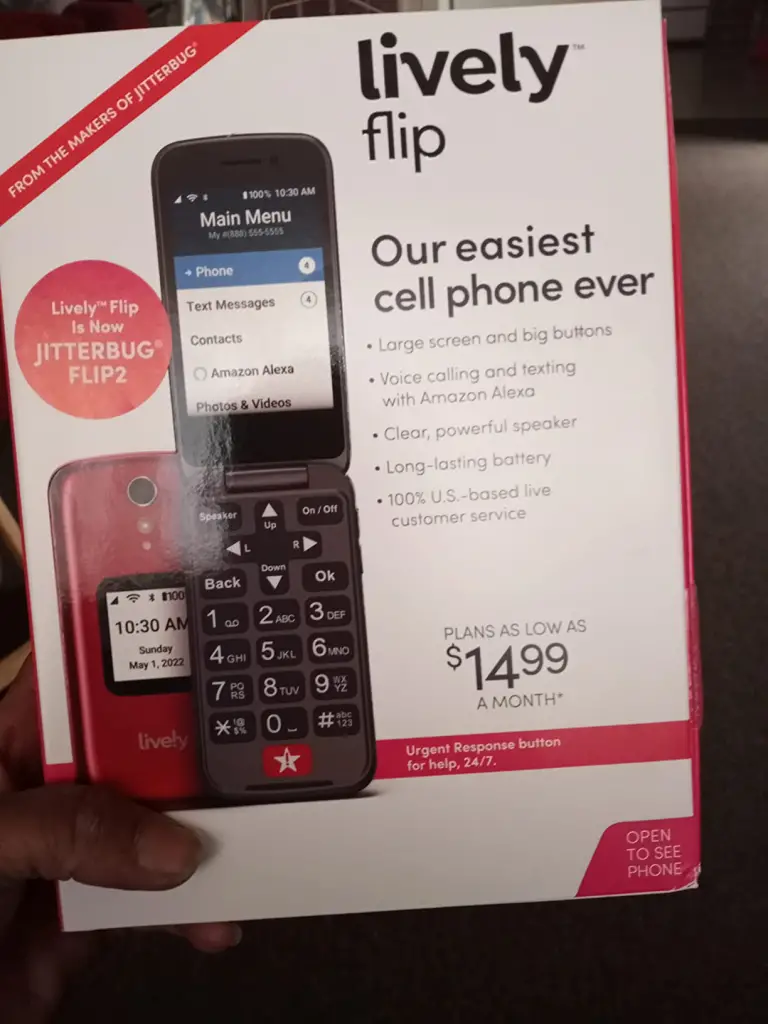
What is the Lively Jitterbug Flip2?
The Jitterbug Flip2 is a basic flip phone designed primarily for older adults or anyone who prefers simplicity over features. It focuses on large buttons, a clear screen, loud audio, and easy navigation. It also includes emergency features like an SOS button and access to health/safety services through Lively’s subscription plans.
It runs on a simplified interface… not a full smartphone system, so everything is stripped down to essentials.
Why I Tried It
This was purely about ease of use.
I needed something that:
- wouldn’t confuse the person using it
- didn’t require constant explaining
- and could be relied on in case of emergencies
My Experience Using It
Setting it up was actually pretty straightforward. The interface is very simple… big text, clear menu, and everything labelled in a way that makes sense immediately. No digging through settings, no hidden features.
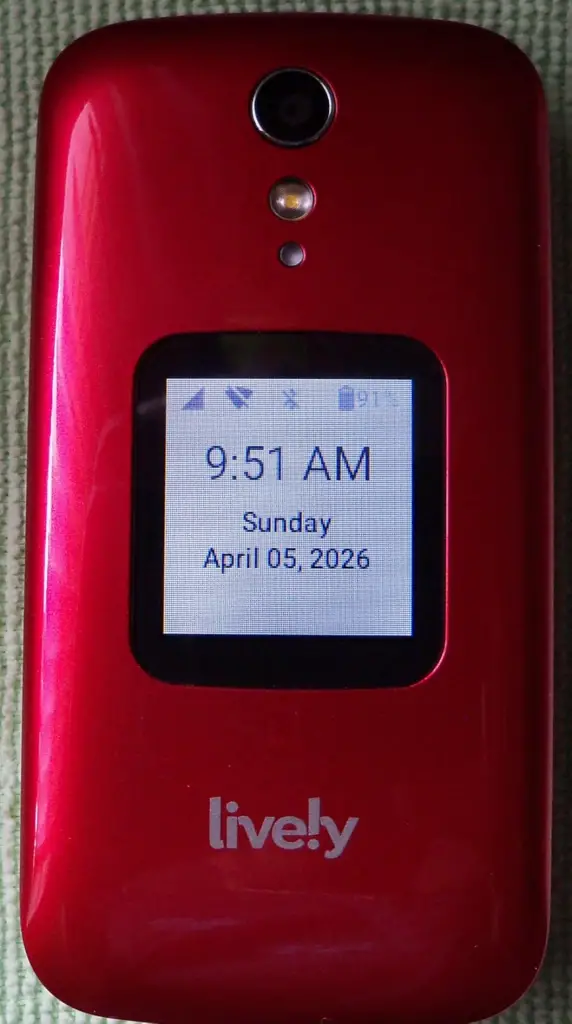
And honestly, that’s where it shines.
Calling is loud and clear, which matters a lot. The buttons are easy to press, and the phone just feels… accessible.
The emergency button is also a big deal. It gives that extra layer of reassurance, especially if you’re getting this for a parent or older relative. Knowing they can press one button and get help is something you can’t really put a price on.
But then you start noticing the limitations. Texting is slow (as expected with a flip phone), and anything beyond basic use feels restrictive. There’s no real flexibility… you’re using it exactly how it’s designed, nothing more.
And then there’s the cost structure.
The phone itself isn’t the full story. You’re also paying for Lively’s monthly service, especially if you want the emergency features to actually work. That’s where it starts to feel less like a one-time purchase and more like a commitment.
Build Quality & Feel
It feels sturdy and practical.
Not premium, but definitely built for its purpose… something that can handle daily use without being fragile.
Product Claims vs. Reality
It absolutely delivers on:
- simplicity
- accessibility
- emergency support
But it’s not meant to compete with modern smartphones at all.
Positives (What It Actually Gets Right)
It removes confusion.
And for the right person, that’s more valuable than having extra features.
Pros & Cons
Pros
- Very easy to use
- Large buttons and clear display
- Loud, clear call quality
- Emergency/SOS features
- Good for seniors or non-tech users
Cons
- Very limited features
- Requires monthly plan for full functionality
- Slow texting experience
- Not suitable for modern smartphone needs
Is It a Scam?
No. It’s a very intentional product for a very specific audience.
But it can feel overpriced if you don’t actually need the simplicity and emergency features.
How to Use
Turn it on, navigate through the simple menu, and use the clearly labeled options for calls, messages, and emergency services. It’s designed so you don’t need instructions beyond the basics.
Alternatives to Consider
- Alcatel Go Flip 4
- Nokia 2780 Flip
- Consumer Cellular IRIS Easy Flip
Conclusion: Would I Recommend It?
Yes, but only for the right person. If you’re buying for a parent or older relative → it makes a lot of sense, if you want anything close to a smartphone → this is not it.
For me, it did exactly what I needed it to do.
But it’s not a general recommendation… It’s a very targeted solution.
Also read my similar review on the AceGamer Controller